On this page
We used Optical Character Recognition (OCR) software to turn scans of our print science fiction books into machine-readable text files. OCR makes the corpus far more useful: researchers can search, clean, and analyze the texts with computational tools instead of only paging through scanned images.
Input: TIFF page scans#
The project used ABBYY FineReader, commercial software that uses AI-based recognition to read text in image files such as TIFFs, PNGs, and PDFs. We loaded each book’s page scans into ABBYY one book at a time and ran OCR. We also used ABBYY for five cleanup tasks:
Removing blank pages.
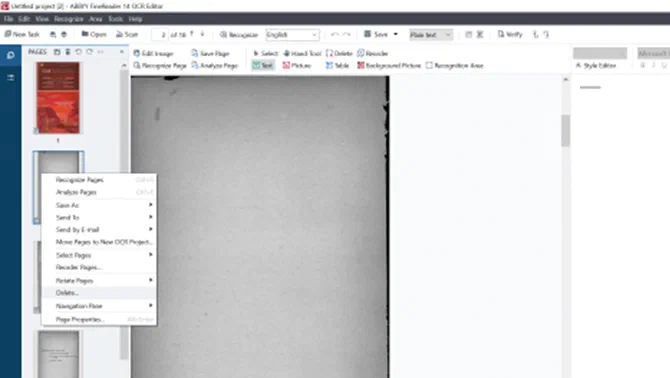
Reviewing pages with “unrecognized” elements such as illustrations, charts, and icons that OCR cannot convert to text.
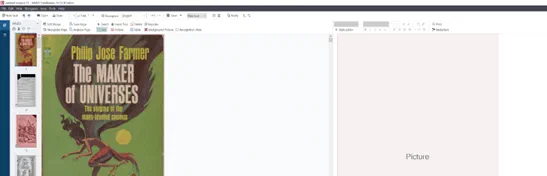
Flagging pages that were ripped, blurred, or cut off, or otherwise needed manual cleaning.
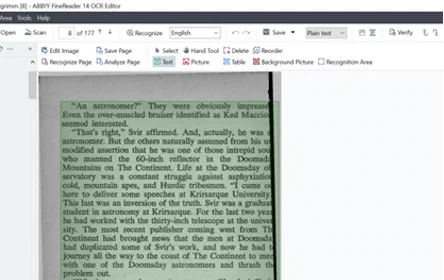
Removing headers, footers, and page numbers.
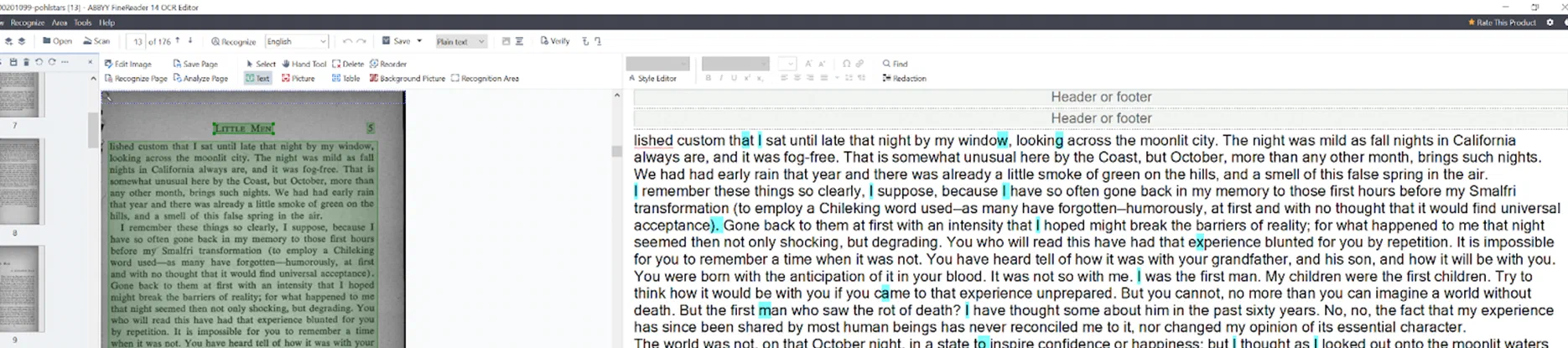
Adding tags for START OF BOOK, END OF BOOK, and CHAPTER each time a new section or chapter begins.
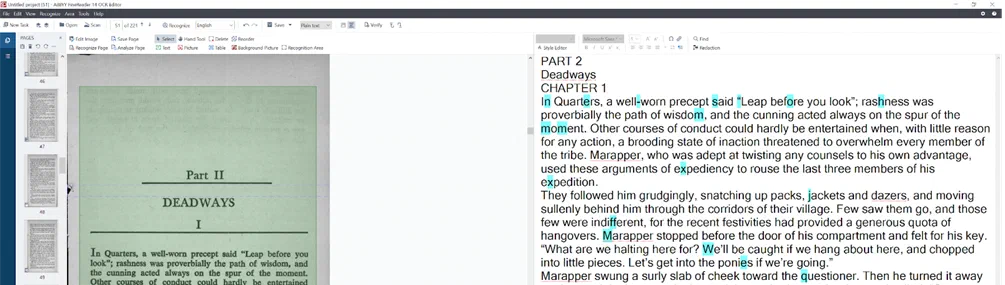
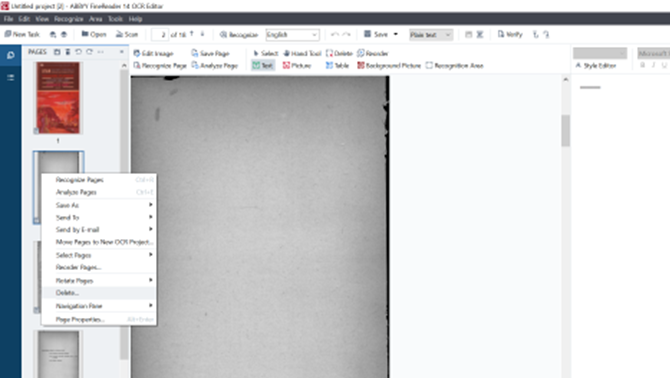
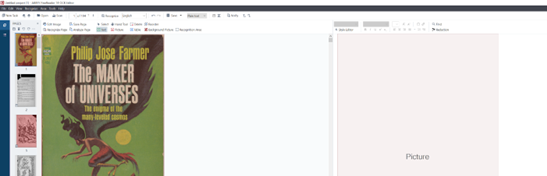
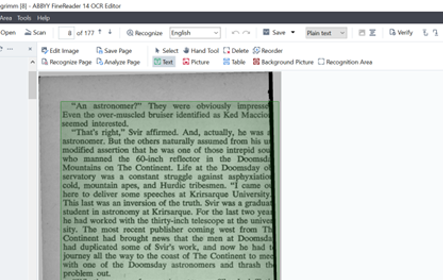
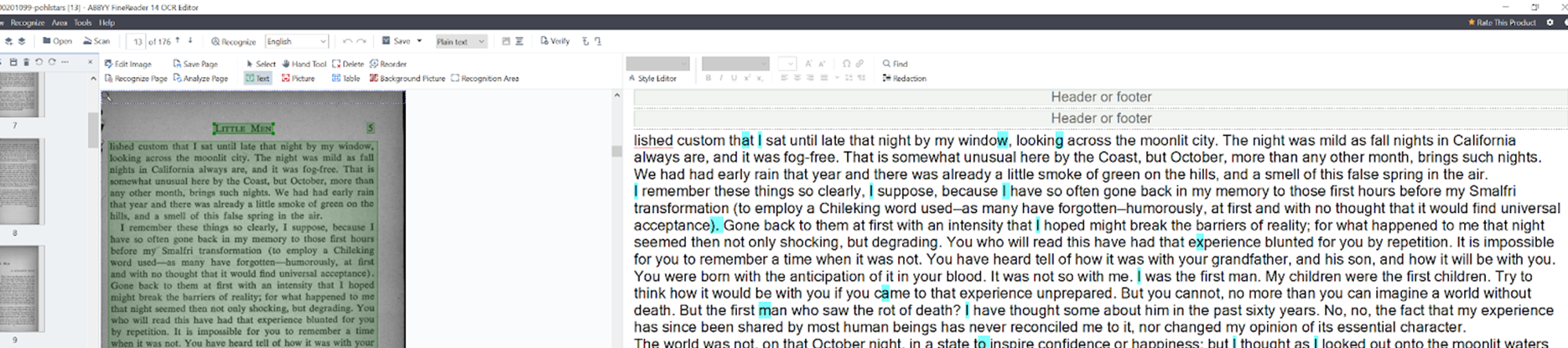
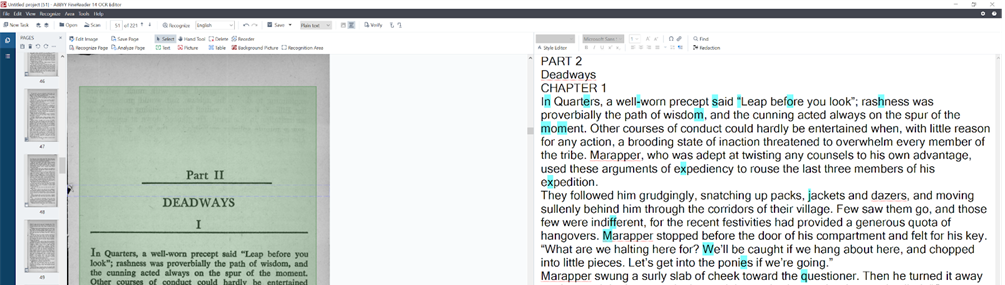
The result is a set of lightly cleaned and enriched text files that can be searched and analyzed digitally. The chapter tags let us split books by chapter later, in the curation stage.
Output: TXT files#
Because most of the collection is in copyright, the exported text files can only be used on site at Temple’s Loretta C. Duckworth Scholars Studio. Researchers there sign an agreement to use the materials only for non-consumptive research within the Scholars Studio. Anyone can freely download the extracted-features datasets derived from these texts.
The full OCR workflow and a programmatic alternative are in our notebooks repository:
Depositing the corpus in HathiTrust#
Temple has deposited 348 of these volumes in the HathiTrust Digital Library, where they are preserved and searchable in full text (opens in a new tab). HathiTrust has specific submission package requirements (opens in a new tab), so we wrote Python code to package every volume. Run from the command line, the ingestion code generates:
- Image files (TIFF) for each page of each title, duplicated from the server
- OCR files for each page of each title, generated by Google Tesseract
- A metadata file (YAML) with administrative and technical metadata
- A checksum file listing every file in the package with its MD5 hash
The ingestion code and a tutorial are in our hathitrust-ingestion repository (opens in a new tab).
Beyond the scanner: web sources#
Not every source text has to come off a scanner. Our webscraping-SF repository (opens in a new tab) collects public-domain science fiction and metadata from the web. It downloads texts from Project Gutenberg bookshelves, pulls the Internet Archive’s SF and Pulp Magazine Archive holdings through its Python API, queries Wikidata and the Star Trek API, and retrieves bestseller data from the New York Times Books API.